 Productivity
AI Meeting Note-Takers: How to Choose Between Otter, Fireflies, Fathom and Granola
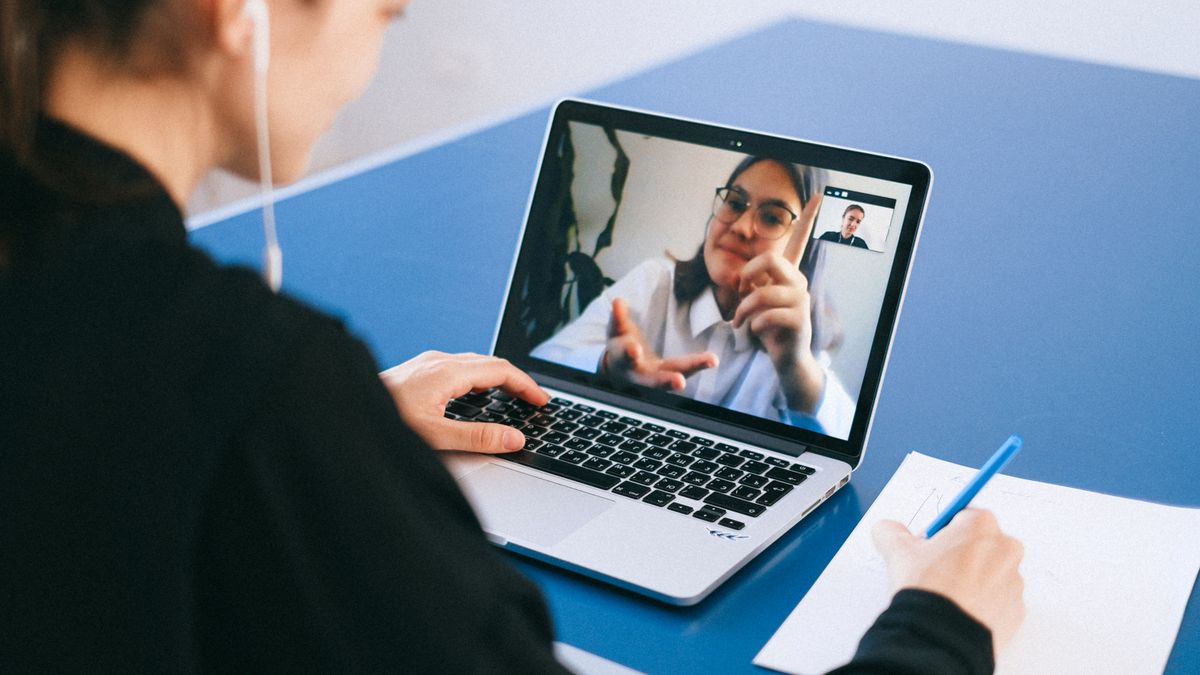
An AI note-taker records your calls, transcribes them and writes a summary with action items, so you can pay attention instead of typing. The four best-known options split into two camps: tools that send a bot into your meeting (Otter, Fireflies, and Fathom by default) and tools that capture audio from your own computer with no bot (Granola, and Fathom's optional bot-free mode). That choice matters more than any feature, because it decides how your meetings look to clients.
The short answer
| How it captures | Free plan | Paid from | |
|---|---|---|---|
| Otter | Meeting bot | 300 min/month, 30 min per conversation | Pro: $8.33/mo billed yearly ($16.99 monthly) |
| Fireflies | Meeting bot | Transcription with limited AI summaries | Pro: $10/seat/mo billed yearly ($18 monthly) |
| Fathom | Bot, or bot-free (beta) | Unlimited recordings and transcription | Premium: $16/mo billed yearly ($20 monthly) |
| Granola | Bot-free, device audio | Notes with 30 days of history | Business: $14/user/mo |
Prices are per user in USD, checked on each vendor's pricing page in October 2026. Several vendors show temporary discounts; these are the regular prices.
Bot or no bot: the decision that matters most
Bot-based tools add a separate participant to your call, usually named after the tool, that records and transcribes. That works on any platform the bot can join and makes recording visible to everyone, which can be a good thing. The downside is that some clients find an extra participant off-putting, and some organizations block note-taker bots.
Bot-free tools capture audio from your own computer. Granola lists bot-free, device-audio capture on all its plans, and Fathom offers a bot-free mode in beta. Nothing joins the call, so the meeting looks normal. It also means other participants may not know an AI tool is involved, which makes telling them yourself more important.
Either way, recording people has legal implications. Some US states require consent from everyone on a call, and in the EU a recording of a person is personal data under the GDPR. Tell participants when you record, and check the rules that apply to you and to them.
Otter
Otter's free Basic plan gives each user 300 transcription minutes a month, with each conversation capped at 30 minutes. That is enough to try it, but a few long calls use it up.
- Pro ($16.99/mo, or $8.33/mo billed yearly): 1,200 minutes a month and up to 90 minutes per conversation.
- Business ($30/mo, or $19.99/mo billed yearly): unlimited meetings, up to 4 hours per conversation, and the ability to join 3 meetings at once.
Watch the per-conversation caps: on Pro, a two-hour workshop exceeds the 90-minute limit.
Fireflies
Fireflies' free plan includes transcription with limited AI summaries. Paid plans are priced per seat:
- Pro ($18/seat/mo, or $10 billed yearly): unlimited AI summaries.
- Business ($29/seat/mo, or $19 billed yearly): the plan Fireflies marks as most popular, aimed at teams.
- Enterprise ($39/seat/mo, billed yearly only): enterprise security and admin.
Fireflies emphasizes integrations and team workflows, which suits a team that wants call notes flowing into its CRM or task tools.
Fathom
Fathom's free plan is the most generous on recording: Fathom lists unlimited recordings and transcription, instant AI call summaries, and a choice between bot-free (beta) and bot capture. Some advanced features are limited on the free tier.
- Premium ($20/mo, or $16 billed yearly): advanced summaries, AI action items and a meeting assistant, for individuals.
- Team ($19/user/mo, or $15 billed yearly, minimum 2 users): shared highlights and search across calls.
- Business ($34/user/mo, or $25 billed yearly, minimum 2 users): CRM field sync, deal summaries and coaching metrics.
For a solo founder who mainly needs a reliable record of every call, Fathom's free plan may be all you need.
Granola
Granola takes a different approach: it captures audio from your device rather than sending a bot, and builds on the notes you type during the call. Its free Basic plan keeps 30 days of meeting history.
- Business ($14/user/mo): unlimited meeting history and integrations, listed as including Notion, HubSpot, Attio, Affinity and Zapier.
- Enterprise ($35/user/mo): SSO and organization-wide controls.
It suits people who like to take their own notes and want AI to fill in the gaps, without a bot in the room.
How to choose
- You want a record of every call at no cost: start with Fathom's free plan.
- You don't want a bot in client meetings: Granola, or Fathom's bot-free mode.
- A team wants notes flowing into its CRM and task tools: Fireflies Business or Fathom Business.
- You run long workshops or interviews: check per-conversation limits first; Otter Business allows up to 4 hours.
Whichever you pick, send summaries somewhere you will actually use them. Many teams route them into Notion, HubSpot or Slack, sometimes via Zapier.
Pricing at a glance
Otter
| Plan | Price | Billing | Best for |
|---|---|---|---|
| Basic | Free | 300 min/month; 30 min per conversation | Trying it out |
| Pro | $16.99/mo | $8.33/mo billed yearly | 1,200 min/month; 90 min per conversation |
| Business | $30/mo | $19.99/mo billed yearly | Unlimited meetings; 4 h per conversation |
Source: Otter pricing page, checked Oct 21, 2026. Prices change; confirm before buying.
Fireflies
| Plan | Price | Billing | Best for |
|---|---|---|---|
| Free | $0 | Limited AI summaries | Individuals starting out |
| Pro | $18/seat/mo | $10 billed yearly | Unlimited AI summaries |
| Business | $29/seat/mo | $19 billed yearly | Teams |
| Enterprise | $39/seat/mo | Billed yearly only | Enterprise security |
Source: Fireflies pricing page, checked Oct 21, 2026. Prices change; confirm before buying.
Fathom
| Plan | Price | Billing | Best for |
|---|---|---|---|
| Free | $0 | Unlimited recordings and transcription | Solo users |
| Premium | $20/mo | $16 billed yearly | Advanced summaries, action items |
| Team | $19/user/mo | $15 billed yearly; 2-user minimum | Shared highlights and search |
| Business | $34/user/mo | $25 billed yearly; 2-user minimum | CRM sync, coaching |
Source: Fathom pricing page, checked Oct 21, 2026. Prices change; confirm before buying.
Granola
| Plan | Price | Billing | Best for |
|---|---|---|---|
| Basic | $0 | 30 days of meeting history | Trying bot-free notes |
| Business | $14/user/mo | As listed | Unlimited history, integrations |
| Enterprise | $35/user/mo | As listed | SSO, admin controls |
Source: Granola pricing page, checked Oct 21, 2026. Prices change; confirm before buying.
Frequently asked questions
Which AI note-taker has the best free plan?
For recording, Fathom: it lists unlimited recordings and transcription on its free plan. Otter's free plan is capped at 300 minutes a month and 30 minutes per conversation; Granola's free plan keeps 30 days of history.
Is there an AI note-taker that doesn't join the call as a bot?
Yes. Granola captures audio from your device on all plans, and Fathom offers a bot-free mode in beta.
Is it legal to record meetings with an AI note-taker?
It depends on where you and the participants are. Some US states require all parties to consent, and in the EU a recording is personal data under the GDPR. Always tell participants you are recording and check the rules that apply.
How much does Otter cost?
Otter Pro is $16.99 a month, or $8.33 a month billed yearly; Business is $30 a month, or $19.99 a month billed yearly. The free Basic plan includes 300 minutes a month.
Can meeting notes go into my CRM automatically?
Several tools offer this. Fathom's Business plan lists CRM field sync, Granola Business lists HubSpot and Attio integrations, and Fireflies focuses on integrations. Otherwise, Zapier can connect most of them.
Bottom line
Decide first whether a bot in the call is acceptable to you and your clients, then pick on price and limits. Fathom's free plan is the easiest place to start; Granola is the natural choice if you want no bot at all; Fireflies and Fathom's team plans suit teams that want notes in their CRM; and Otter's paid tiers suit long recordings. Whatever you choose, tell participants you are recording.
Official websites
No affiliate links. Software Crit earns nothing if you sign up.
Software Crit reviews are research-based: facts and prices are checked against the vendors' own pages and the sources above. We do not test tools hands-on and do not use affiliate links.
Get the weekly roundup
Honest reviews, practical comparisons and the tool news that actually changes your stack.